
🧭 Step 1: Log In to the Admin Panel
Log in to your Admin Panel using your credentials.
🎨 Step 2: Navigate to Design Settings
Go to:
Website → Corporate
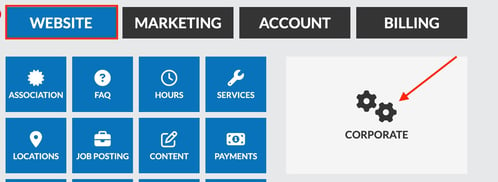
→ Design

✏️ Step 3: Update the Banner Wording
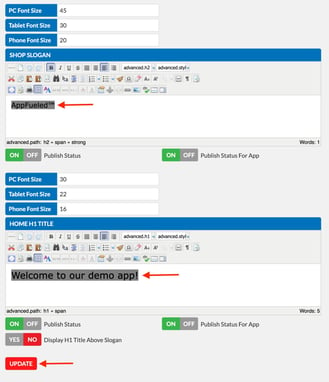
Locate the Shop Slogan and Home Home H1 text fields and update the wording to your desired message.
💾 Step 4: Save Your Changes
Click Update to apply the new banner wording.
✅ Result
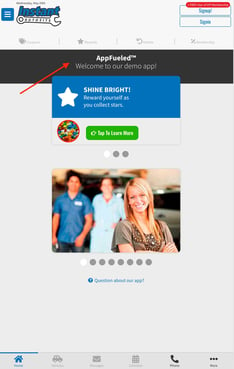
Your app’s homepage banner will now display the updated wording to customers.